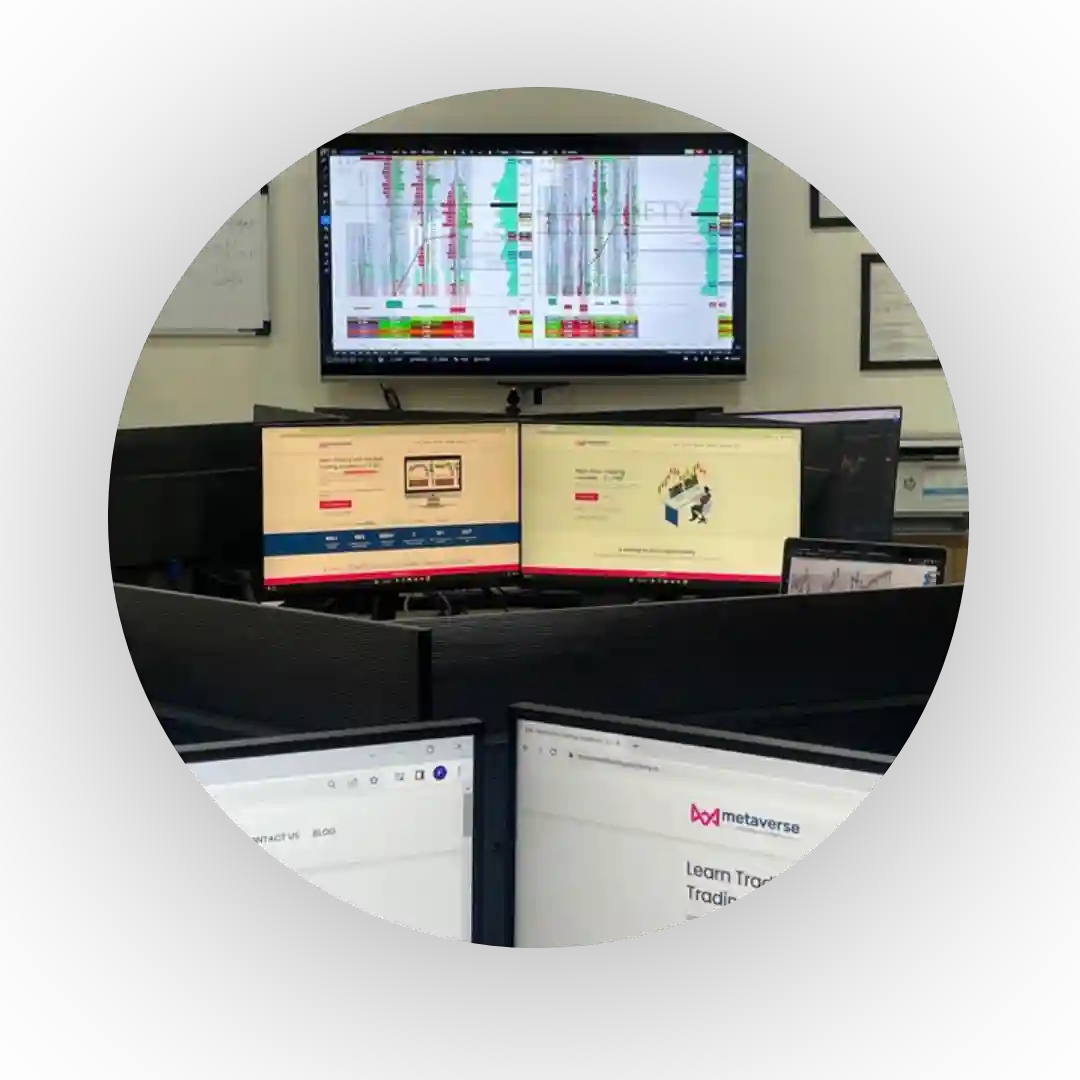
Metaverse Trading Academy is best trading academy in india to learn stock trading using order flow, market profile, volume profile, option chain etc.
Rajkot, Gujarat, India
The core feature of an S7-200 SMART password unlock solution is the ability to bypass the upload protection to perform a complete memory extraction. This allows the user to retrieve the original, unprotected project file (source code) from the PLC’s internal EEPROM.
Understanding which password you are encountering is critical to finding the right solution: Password Type Recovery Option Restricts Read/Write access to the CPU hardware. Clear CPU memory using CLEARPLC or factory reset. Project Password Protects the .smart project file on your PC.
In the Clear dialog box, check both "Reset to factory defaults" under Blocks and "Forgot Password" under Options.
Master Guide: Understanding Siemens S7-200 SMART Password Recovery and Security siemens s7 200 smart password unlock link
If you do not have the password and only need to reuse the hardware, you can perform a factory reset.
Restricted access to specific program blocks (subroutines) within an otherwise accessible project. Siemens SiePortal 2. Standard Factory Reset Methods (Data Loss)
Unlocking a Siemens S7-200 SMART Go to product viewer dialog for this item. The core feature of an S7-200 SMART password
For POU (subroutine) password protection, users have developed DLL patches that replace the datamanagers.dll file in the STEP 7-MicroWIN SMART installation directory. The procedure involves:
: A commonly cited source for unlocking S7-200 SMART passwords (Level 3 & 4) is plc247.com .
The most important takeaway is that there is that works for every situation. Each method has its own set of requirements, risks, and success rates. You are more likely to find specific tools and community guides by searching for terms like: Clear CPU memory using CLEARPLC or factory reset
Are you receiving any when attempting to connect? I can help guide you to the safest recovery process.
: Use STEP 7-Micro/WIN SMART. Select PLC > Clear , check all three blocks (Program, Data, System), and confirm.
This comprehensive guide covers the official, safe, and third-party methods to handle password-locked Siemens S7-200 SMART controllers. Understanding S7-200 SMART Security Levels
S7-200 SMART uses significantly stronger security algorithms than legacy S7-200 CPUs. Tools designed for older S7-200 models do not work on S7-200 SMART PLCs.
Once the PLC reboots, the memory will be completely wiped, and you can establish a fresh connection to download a new program. Method 2: Using a Micro SD Card
Disclaimer: Investing/Trading in the stock market is subject to market risks, and there is no assurance or guarantee of returns—neither the principal nor the appreciation of the investments. The content/education provided by the institute, mentors, or their assigns is solely for general interest, educational purposes, and the reader’s information. All participants are requested to seek independent expert opinions before acting on anything mentioned in this course/program. We are not liable or responsible for any decisions made by the participant solely based on the information provided here. All information/views/opinions in the course/program are our interpretation, and we cannot be held responsible for any miscommunication, misinformation, or any actions taken by an individual or group based on the course/program. By enrolling and accessing the program/course, you accept the “Disclaimer,” without limitation or qualification. Upon viewing this disclaimer, you understand and acknowledge that there is a very high degree of risk involved if the information is misinterpreted. As stipulated by law, the institute cannot and does not make any guarantees about your ability to get results or earn money with ideas, information, tools, or strategies from the course/program. The participant should know that all the ideas, information, tools, or strategies shared during the course/program are for educational and informational purposes only. Asmita Patel Global School of Trading, Asmita Patel, and her team are neither responsible nor liable for any losses resulting from investments. You alone are responsible and accountable for your decisions, actions, and results in life. By registering here, you agree not to attempt to hold us liable for your decisions, actions, or results, at any time, under any circumstance.
Copyright © 2026 Real Palette Tribune